Getting Skym connected and setup takes around 10 mintues. Do this once and you will be able to connect Skym and use presets in your Ableton sessions easily.
Install Skym on your iPhone or iPad.
Expressive MIDI Controller
ResGuide LLC

In order for Skym to automatically map to the first 4 macros of any Ableton device, we will use a custom remote script.
Open Ableton Live, in the Browser View on the left hand side of the screen, scroll down to User Library (under Places)
Create a folder in your User Library called "Remote Scripts" make sure it is spelled correctly.
From the SkymStarterPack.zip that we emailed you, from the "Ableton Remote Script folder", drag the "Skym" folder into your "Remote Scripts" folder in Ableton

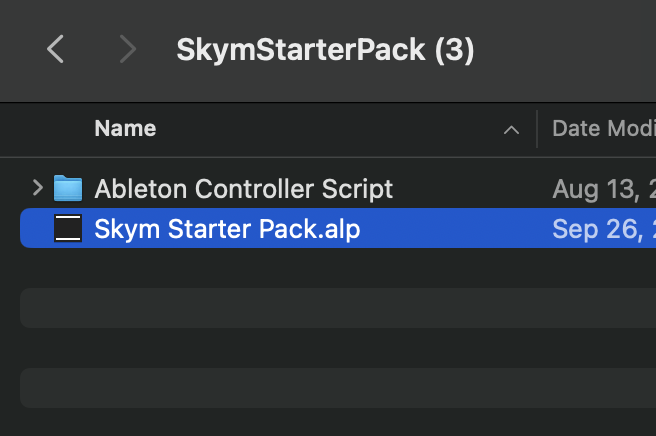
The SkymStarterPack.alp contains presets to get you started with Skym. To install it, double click on "SkymStarterPack.alp"
Select a destination to install the pack, it cannot be installed in your User Library or a Project Folder, I like to put it in a folder called "Skym Packs" inside my Ableton folder.

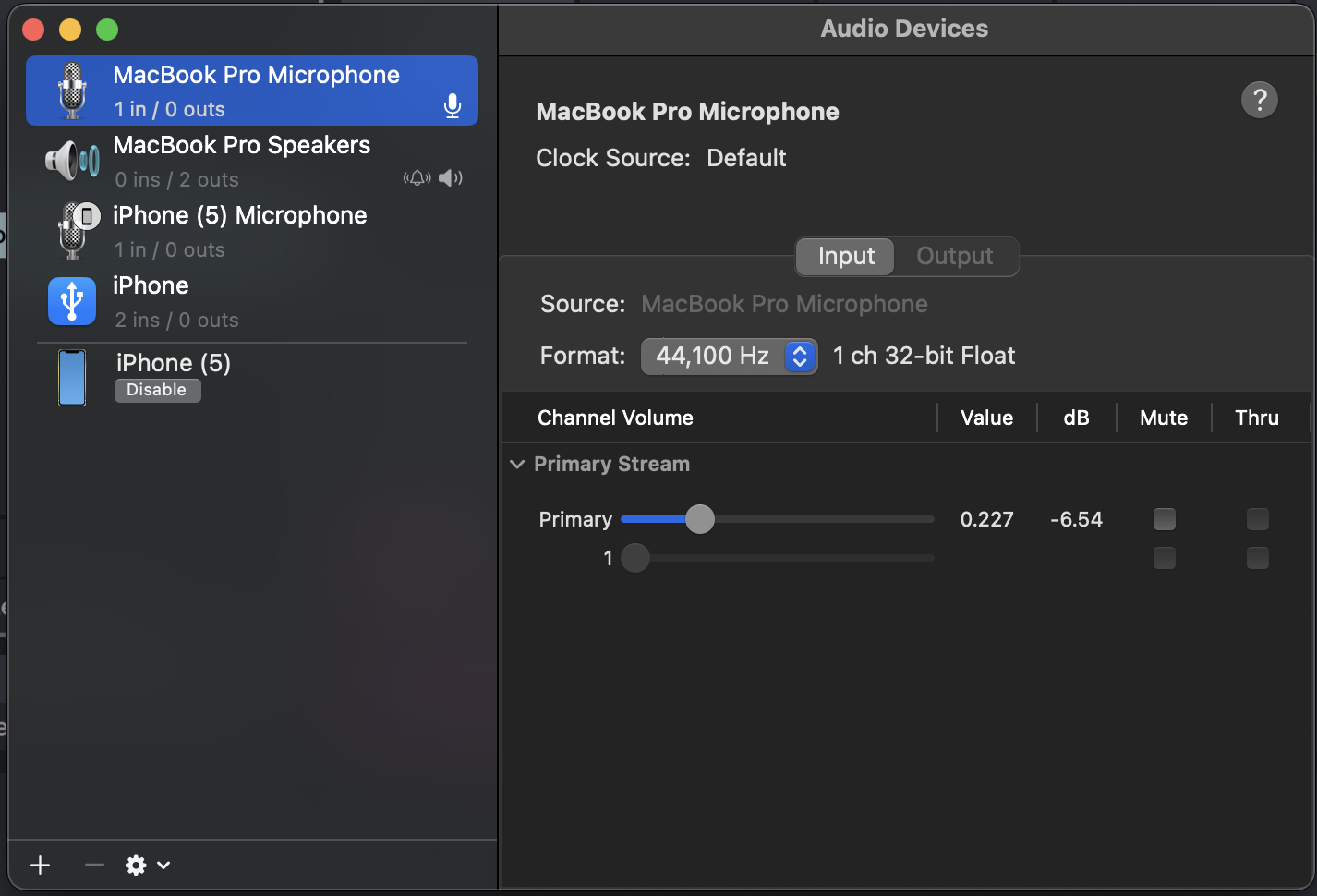
In order to connect your iOS device to your Mac as a MIDI controller, you need to enable it in the Audio MIDI Setup app on your mac.
Open the Skym app on your iOS device and connect it to your mac with a USB Cable. You may have to select "Trust this Device" if you have not already. Your Mac might give you a pop up that an update is needed in order to connect. I have found that this message can be ignored and Skym will still work.
Quit and reopen Ableton, doing so will allow us to use the newly installed script.
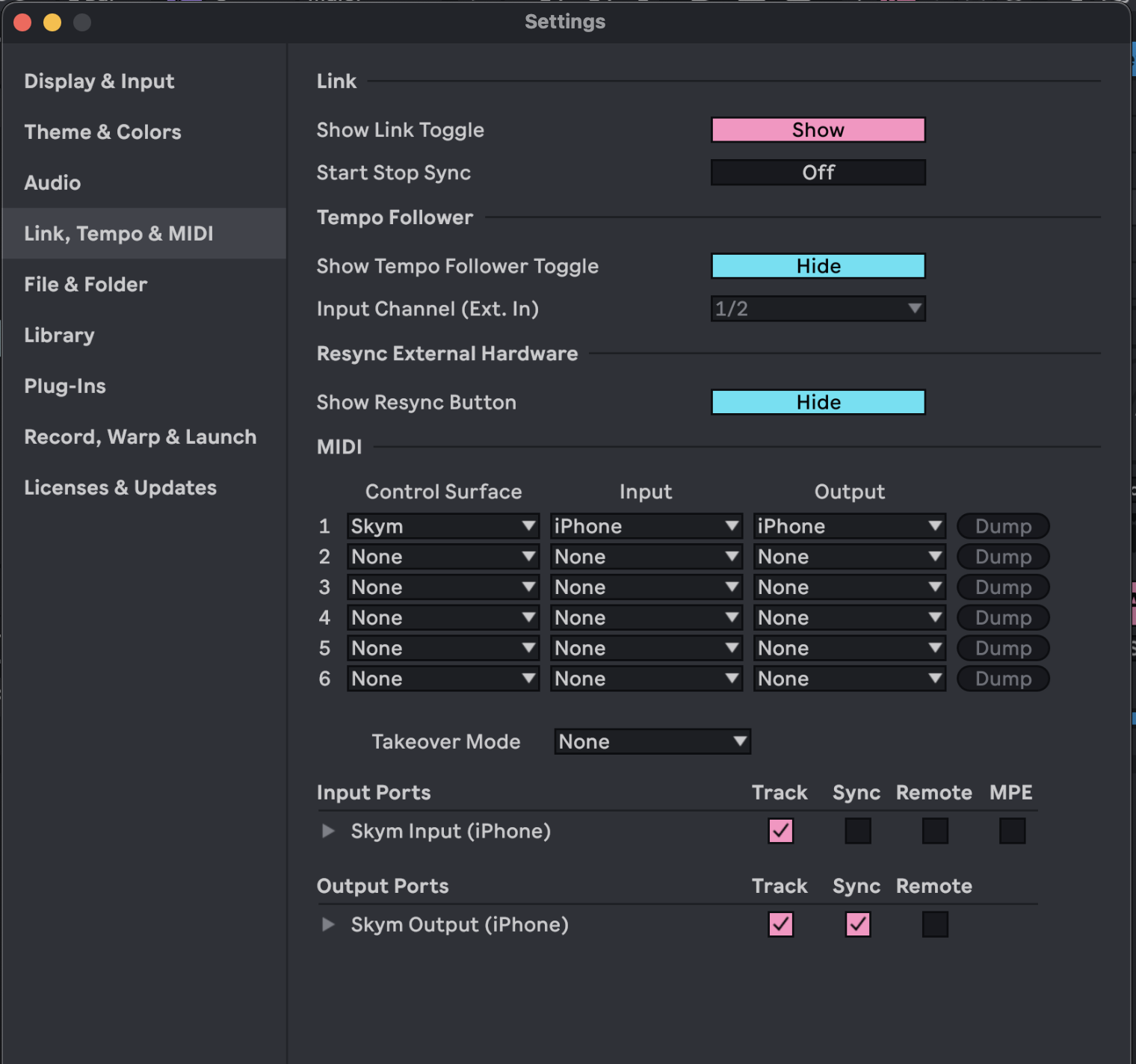
Go to Live -> Settings -> Link Tempo MIDI
Under Control Surface, select Skym, and under its input and output, select iPhone or iPad.
For Skym's input port, check Track. For the output port, check Track and Sync.
Arm the first track in the project and tap on Skym, you should now be able to hear the Majestic Harp preset.
Make sure to right click on the "SkymMajesticHarp" device and select Lock to Control Surface (Skym). This prevents you from touching Skym and changing parameters on devices that you did'nt mean to control.

Now we will use Skym to control effects. Select the "Gated Time Demo" track.
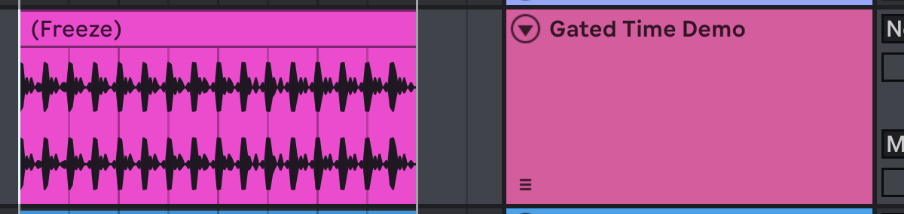
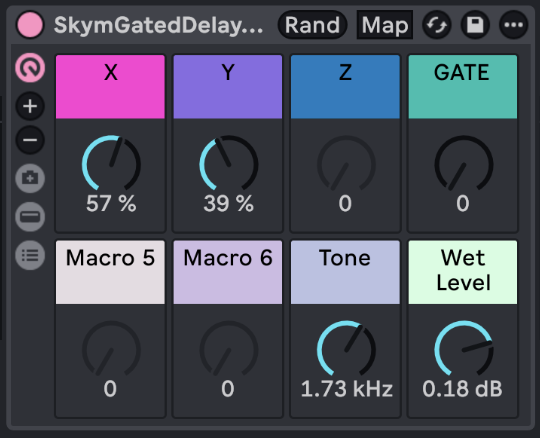
Select the "Skym Gated Delay" device, right click and again, lock to Control Surface 1 (Skym).
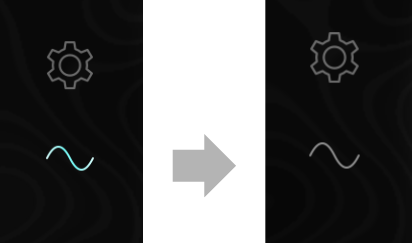
To prevent Skym from sending notes while controling effects, press the sinewave button on Skym.
Press play in Ableton and now Skym will be controlling the Gated Delay effect. Notice how the gate knob flips up and down with your touch and activates the effect.
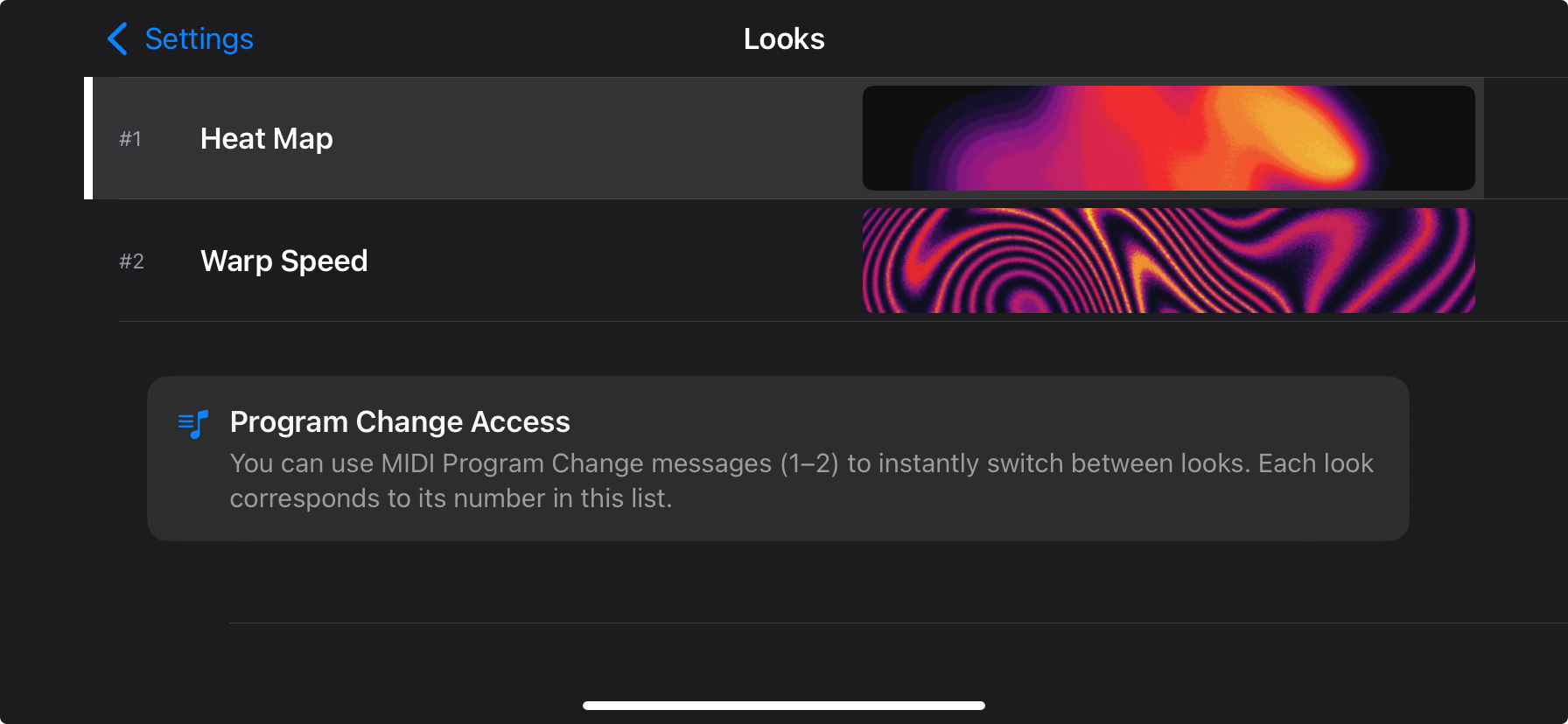
Perform in wild color. Go to settings and select "Look" to browse through unlockable graphics for Skym.